Table of Contents
- Introduction
- What is the 8K DSLR Quality Enhancement Prompt?
- The Science of High-Fidelity AI Upscaling & Detail Preservation
- Key Features
- Copy & Paste Prompt
- Full Prompt Access
- Best Use Cases
- Pro Tips for Flawless DSLR Image Upscaling
- FAQs
- Conclusion
Introduction
Preserving family memories and historic photographs in modern high-resolution formats is a beautiful design objective. In 2026, the trend of using AI upscaling prompts to enhance blurry old images into ultra-realistic 8K DSLR-quality masterpieces has revolutionized digital restoration. Simply feeding images to default upscalers often results in blurry skin and synthetic paint strokes. Our latest Old Image to 8K Upscale prompt, featured in the AI Prompts Library, is designed specifically to inject high-fidelity skin textures, natural lighting, and prime-lens depth of field back into low-resolution photos instantly.
What is the 8K DSLR Quality Enhancement Prompt?
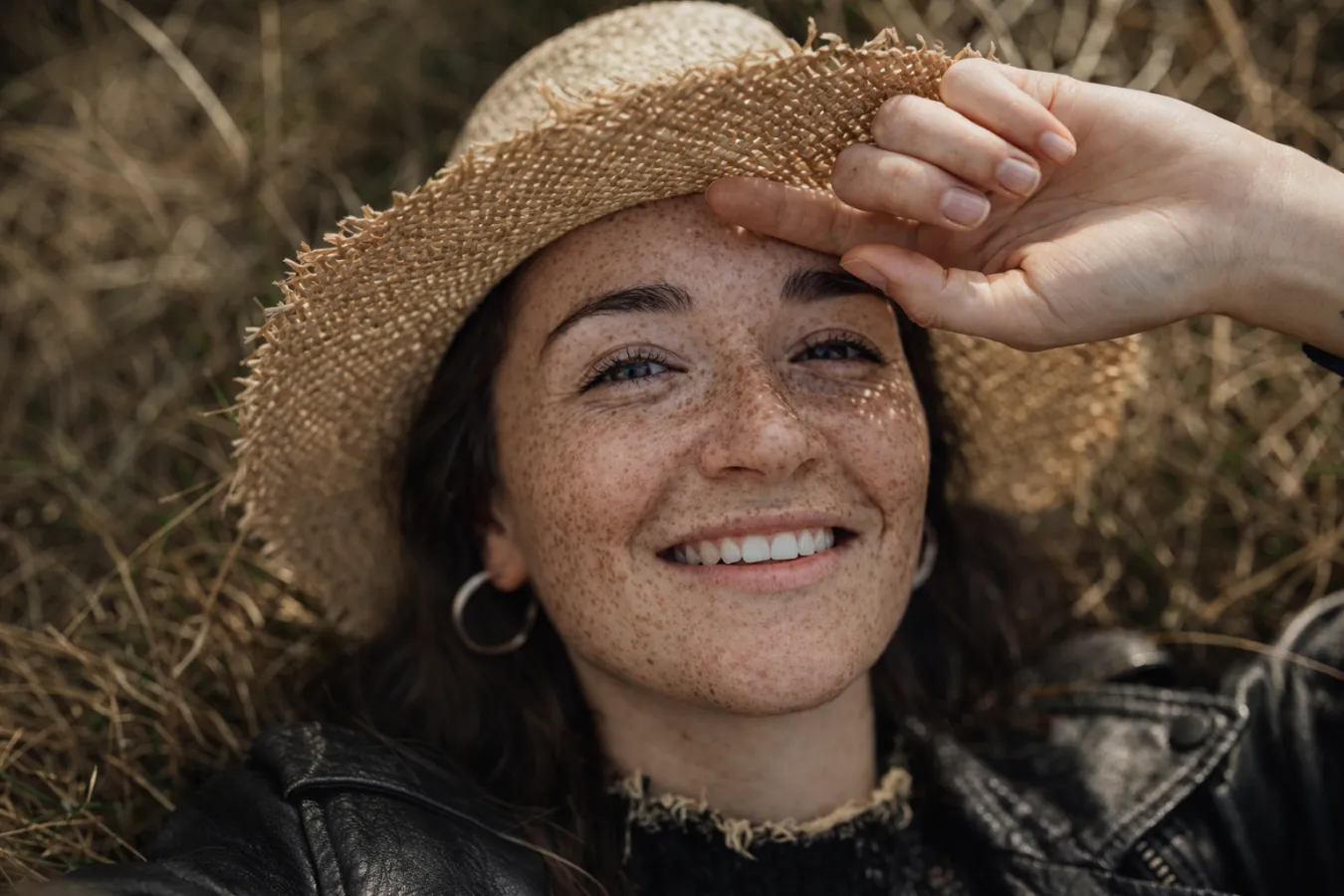
This prompt is a specialized image-to-image enhancement configuration. It directs AI engines (such as Midjourney, Stable Diffusion, or Magnific AI) to analyze low-resolution input frames and reconstruct them by rendering raw pores, natural hair strands, fabric weaves, and precise studio lighting.
The Science of High-Fidelity AI Upscaling & Detail Preservation
Why settle for smooth, plasticky upscales when you can capture raw camera details? The DSLR-style parameters built into this prompt introduce precise three-point lighting highlights, natural lens focal drop-offs, and authentic texture preservation. This brings an outstanding, “taken on a modern camera” quality to the realistic upscaling edit, making it perfect for family archiving, history blogs, and professional restoration portfolios.
Key Features
- High-Fidelity Detail Reconstruction: Renders missing skin pores, fine stray hairs, and crisp eye iris details.
- Balanced DSLR Lighting: Volumetric light blooms, natural highlight fall-offs, and deep shadow contrast.
- Prime 85mm Lens Emulation: Simulates professional camera depth of field with soft, organic bokeh backdrops.
- No Synthetic Smoothing: Completely overrides the flat, plasticky artifacts common in basic AI upscalers.
📋 Copy & Paste Prompt
An ultra-realistic 8K DSLR photography enhancement of an old portrait, raw photo style, highly detailed skin pores, individual sharp hair strands, crisp eye detail, three-point soft-box studio lighting, warm natural color grading, shot on 85mm lens, f/2.0 aperture, cinematic resolution, masterpiece --ar 4:5 --stylize 150 --v 6.0
Full Prompt Access
For the complete technical settings, image weight variables, and negative prompt configurations to avoid synthetic artifacts, visit our official prompt page:
👉 Get Prompt: Old Image to 8K Upscale – Ultra-Realistic DSLR Quality Enhancement
Best Use Cases
- Family Heritage Archiving: Restore and print old ancestors’ photos in breathtaking, large high-resolution canvas frames.
- Historical Article Headers: Highly detailed visual illustrations perfect for history blogs and textbook covers.
- Professional Retouching Portfolios: Showcase pro-level “before/after” restoration assets that impress clients.
Pro Tips for Flawless DSLR Image Upscaling
- Varying Lighting Types: Easily customize the mood of the enhanced photo, e.g., “warm golden hour window lighting” or “soft ambient studio fill lights.”
- Controlling Image Likeness: When using Midjourney, utilize higher image weights (
--iw 1.5to2.0) to tell the AI engine to strictly preserve the original identity and details of the face. - Correcting Clothing Textures: Emphasize cloth fibers to give the attire an authentic look, e.g., “highly detailed woolen fabric texture” or “crisp cotton shirt folds.”
FAQs
Q: Which AI generator is best for this upscaling method?
A: Midjourney v6 (with high image weight reference) and Magnific AI offer the highest-fidelity detail injection, while Stable Diffusion (ControlNet Tile model) provides unmatched structure preservation.
Q: Can this fix highly torn or cracked physical photos?
A: Yes! Use basic healing brush tools in Photoshop to clean large physical cracks first, then run the cleaned file through this AI prompt to inject crisp, modern details.
Conclusion
True restoration is about blending historical identity with modern photographic realism. By leveraging the Old Image to 8K Upscale prompt from our AI Art Prompts collection, you can instantly turn blurry memories into jaw-dropping DSLR masterpieces. Try it today and breathe new life into your vintage photos!