Table of Contents
- Introduction
- What is the AI Face Replacement Editorial Prompt?
- The Science of Seamless Face Swapping & Identity preservation
- Key Features
- Copy & Paste Prompt
- Full Prompt Access
- Best Use Cases
- Pro Tips for Flawless Face Replacement Renders
- FAQs
- Conclusion
Introduction
Face replacement and digital character swapping have emerged as powerhouse tools in creative design. In 2026, the demand for ultra-realistic AI face replacement for high-end fashion and corporate editorials has reached a peak. To bypass the synthetic, misaligned look common in default swaps, you need professional prompt structures optimized for identity preservation. Our latest AI Face Replacement Editorial prompt guide, featured in the AI Prompts Library, is designed specifically to capture realistic angles, uniform studio lighting, and raw skin texture integration instantly.
What is the AI Face Replacement Editorial Prompt?
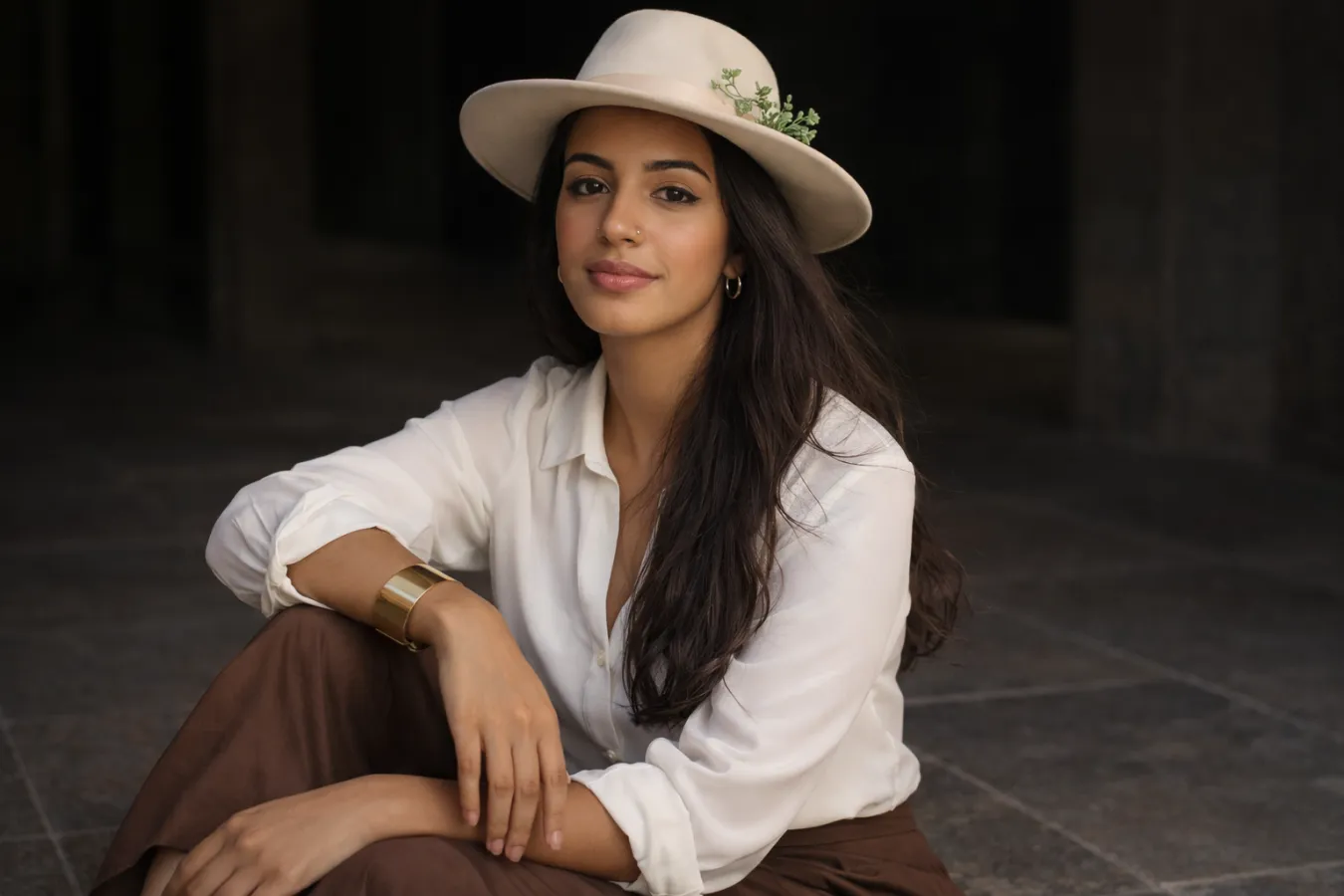
This prompt is a highly calibrated digital camera model. It instructs AI engines to render a character body and background layout optimized for downstream face-swapping—focusing on neutral, straight-on head alignments, balanced soft-box studio light, minimal shadow occlusions, and highly visible, raw skin textures.
The Science of Seamless Face Swapping & Identity preservation
Why do standard face swaps look distorted or synthetic? Successful face-swapping relies heavily on the matching of light direction and facial geometry between the source and target photos. The advanced parameters built into this prompt introduce clean, flat three-point studio lights, neutral expressions, and raw skin pore resolution. This brings a flawless, completely natural quality to the face replacement editorial, making it perfect for custom resumes, fashion advertisements, and digital branding portfolios.
Key Features
- Neutral Head-On Alignment: Straight camera angles that optimize face-swap algorithm mapping.
- Flat Three-Point Studio Lighting: Uniform, soft lights with zero harsh shadows across facial planes.
- Extreme Texture Resolution: Intact skin pores, natural hair strands, and sharp clothing threads.
- Clean Studio Backdrop: Solid neutral slate gray backgrounds for easy extraction and editing.
📋 Copy & Paste Prompt
An ultra-realistic studio portrait of a model looking directly at the camera, neutral facial expression, straight-on head alignment, flat three-point studio soft-box lighting, solid light gray background, highly detailed skin pores, realistic clothing texture, shot on 85mm lens, f/2.2 aperture, optimized for face replacement mapping, photorealistic 8k --ar 4:5 --stylize 100 --v 6.0
Full Prompt Access
For the complete technical breakdown, face-swap software recommendations, and multi-angle guidelines, visit our official prompt page:
👉 Get Prompt: Ultra Realistic AI Face Replacement Editorial Prompt Guide
Best Use Cases
- Elite Profile & Corporate Swaps: Seamlessly map your personal face onto executive body templates for professional LinkedIn portraits.
- High-End Fashion Campaigns: Create consistent lookbooks featuring different face profiles mapping onto the same clothing assets.
- Creative Visual Campaigns: Perfect base templates for digital actors, graphic models, and advertising billboards.
Pro Tips for Flawless Face Replacement Renders
- Strictly Avoid Angles: Keep descriptions limited to “straight-on head alignment” and “looking directly at the camera” to ensure that the swapping coordinates map 1:1.
- Ensure Even Lighting: Avoid high-contrast lighting schemes like “chiaroscuro” or “dramatic side shadows” as they confuse swap blend layers, resulting in dark, smudged facial edges.
- Tuning Style Weights: Keep the stylization parameter low (
--stylize 100) to maximize raw, photographic structural realism over artistic interpretation.
FAQs
Q: What is the best software for swapping my face onto this template?
A: Excellent options include Remaker AI, InsightFace swap bots on Discord, or local face-swapping nodes inside Stable Diffusion (ReActor extension).
Q: Can I use this prompt to generate couple or family templates?
A: Yes! Simply change the subject description to “studio portrait of two models standing next to each other, looking directly at the camera, optimized for multi-face replacement.”
Conclusion
Seamless digital swapping is all about preparing the perfect canvas. By leveraging the AI Face Replacement Editorial prompt from our AI Art Prompts collection, you can skip expensive studio sessions and get clean, physical-grade face-swapping templates in seconds. Try it today and start building your custom avatar portfolio!